Free Meme Generator — Make Memes Online With Any Image
Most meme generators either put a watermark on your image or make you create an account to avoid it. Imgflip watermarks downloads on the free tier. Mematic is mobile-only. Kapwing has a watermark unless you sign up. This one doesn't require any of that — upload an image or pick a template, type your text, download a clean JPG. No account, no watermark, no nonsense.
How the tool actually works
Drop any image onto the tool or drag one in. The canvas renders your image immediately. Type your top text and bottom text into the fields — the preview updates in real time as you type. The default font is Impact at auto size, which scales to roughly 8% of the image width so text stays legible regardless of how large or small your source image is. You can drag the font size slider to override that with a specific pixel value if you want tighter or larger text. Text color choices include white, black, yellow, and red — the classic meme palette. The stroke (outline) automatically flips to the opposite of your text color, so white text gets a black outline and black text gets a white outline. That contrast is what makes meme text readable against any background, which is why every meme since 2007 uses it.
Download hits the canvas with JPEG quality at 0.92, which keeps file size reasonable while preserving text sharpness. The filename gets "_meme" appended to whatever your original file was named.
Classic formats and templates
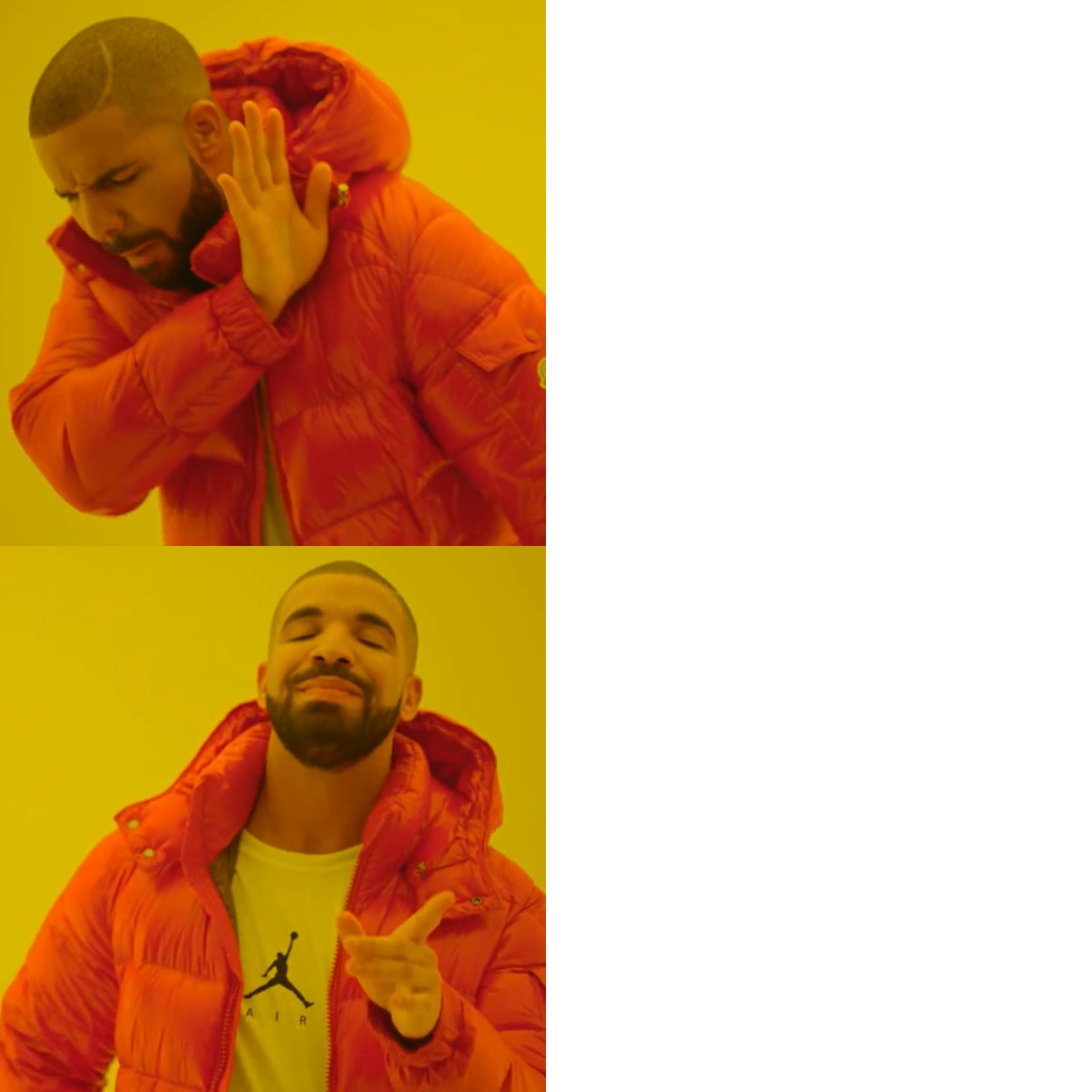
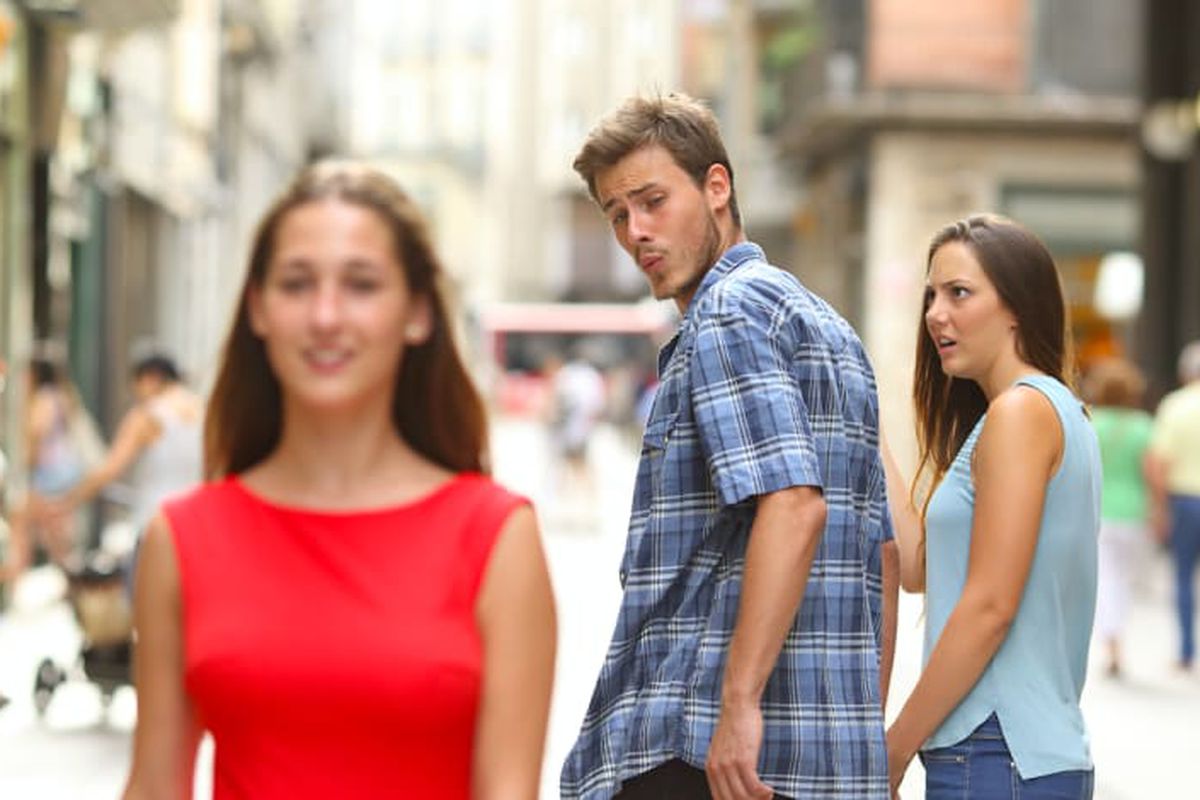
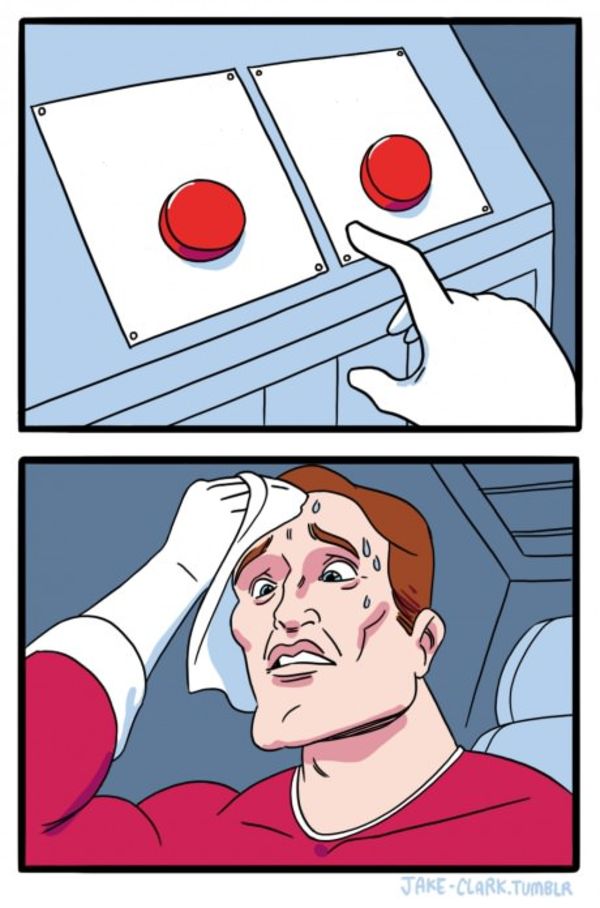
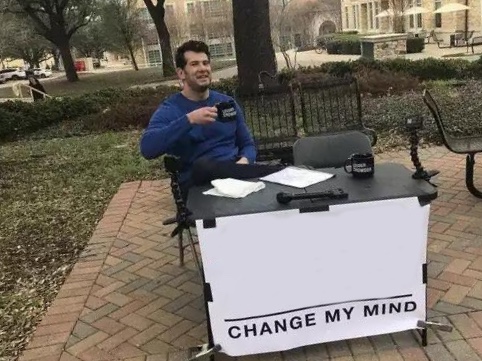
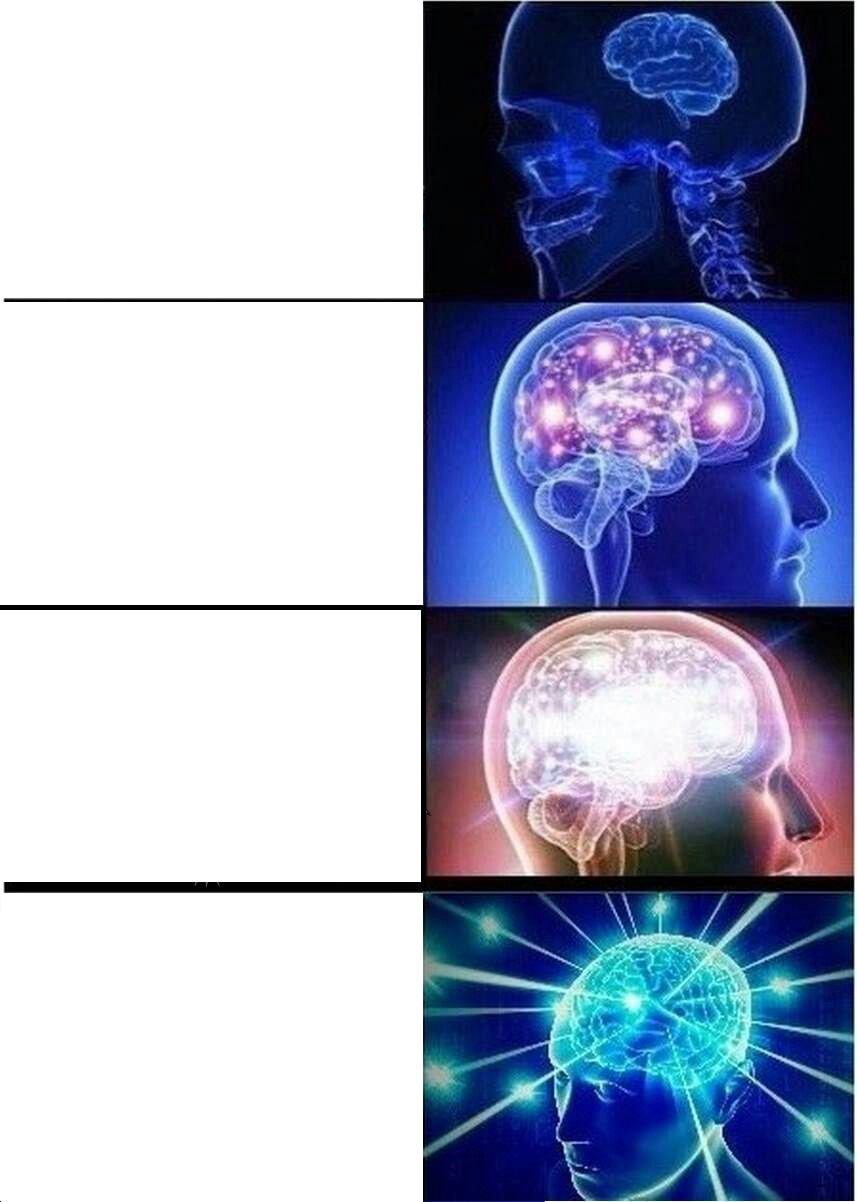
The tool ships with six classic templates preloaded: Drake Pointing (for preference comparisons), Distracted Boyfriend (for object-of-attention jokes), Two Buttons (for impossible choices), Change My Mind (for provocative statements), Gru's Plan (four-panel logic reversal), and Expanding Brain (for escalating absurdity). Click any thumbnail and it loads straight into the editor. These cover a large share of the formats that actually spread on Reddit, Twitter, and Discord. For everything else — a reaction screenshot, a personal photo, a news image — just upload your own.
Impact is the classic choice and works for anything that needs to look like a traditional meme. Arial Black is a slightly softer alternative that works well for more modern or understated styles. Comic Sans is there for when the joke specifically requires it, which does happen. Arial works if you want something clean and neutral.
Tips for memes that actually land
The text has to be readable at a glance. Memes get consumed fast — in a feed, on a phone screen, in the background of a video. If the text is too small, too long, or fighting with the image behind it, the joke doesn't land before the viewer scrolls past. Shorter captions work better than full sentences. The best meme text is the minimum number of words needed to make the point land. Leave room at the top and bottom of your image for text — formats like Drake and Distracted Boyfriend work partly because the image composition naturally frames where the text goes.
File format matters for sharing. JPG at 0.92 quality is the right choice for memes — PNG would be larger with no visible benefit for this use case. If you're posting to Discord, Twitter, or Reddit directly, the downloaded JPG is ready to go. If you want to post it somewhere with strict dimension requirements, resize the image to the right pixel dimensions first, or compress it if the file size is too large for an upload limit. If you want to add a subtle branding element, watermark the image with a logo or text before sharing.
Why no uploads and no account
Everything runs in the browser using the Canvas API. The image never leaves your device. For most memes that's irrelevant — Drake format doesn't contain sensitive data. But if you're making a meme from a work screenshot, a personal photo, or anything else you'd prefer not to push to a third-party server, it's a genuine advantage. The tool doesn't track which images you use, doesn't store your creations, and doesn't know you were here.
If you want to add a logo or subtle attribution to your meme before sharing, the watermark tool lets you overlay text or an image mark at any opacity. For reducing file size before posting somewhere with an upload limit, the image compressor takes JPGs directly. And if you need to produce meme variants at different aspect ratios for different platforms, crop the image to square for Instagram or vertical for TikTok after generating the meme.